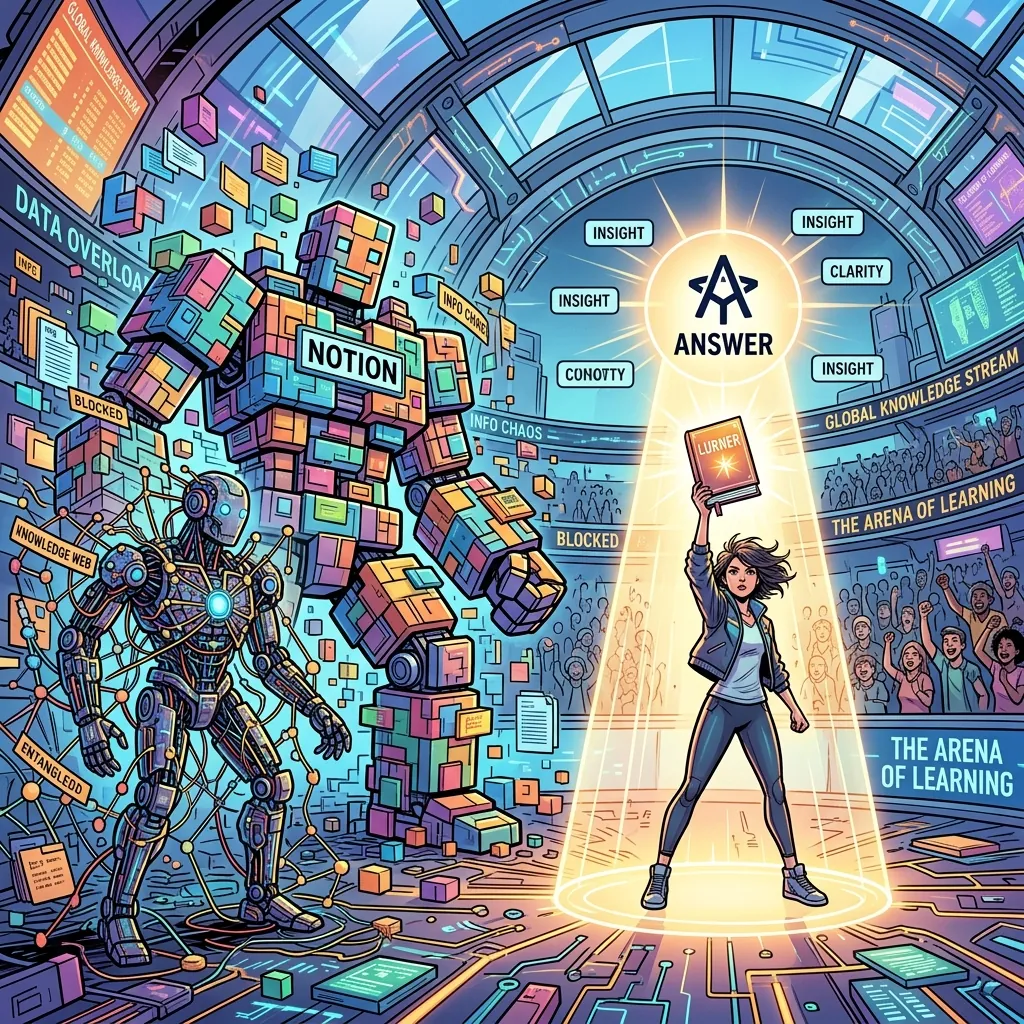
TL;DR: Notion stores work, Obsidian links notes, Lurner answers from your sources
Notion is best for structured workspaces, docs, databases, and team operating systems. Obsidian is best for local-first markdown notes, backlinks, and networked thinking. Lurner is best when you want an AI second brain that can ingest PDFs, videos, meetings, notes, articles, and voice memos, then answer with citations you can verify.
- Choose Notion if your main problem is organizing projects, docs, trackers, and team knowledge.
- Choose Obsidian if your main problem is building a private markdown knowledge graph with links and backlinks.
- Choose Lurner if your main problem is turning sources into cited answers, meeting memory, study guides, and writing.
The second brain movement promised a beautiful idea: stop losing what you learn. Save the article, capture the quote, link the note, build the dashboard, tag everything, and eventually your knowledge will compound. The dream is real. The maintenance burden is also real.
Searchers comparing Notion vs Obsidian, Notion vs Obsidian vs Lurner, best AI second brain, personal knowledge management AI, and AI knowledge base are usually asking a deeper question: which tool will actually help me use what I know? This article answers that by workflow, not hype.
The real second brain problem is retrieval, not storage
Most people do not fail at saving information. They fail at retrieving the right information at the right moment. A beautiful dashboard does not help if the answer is buried in a database. A graph view does not help if the key source was a YouTube lecture, a meeting recording, or a PDF you never converted into a note.
A second brain should do four jobs: capture knowledge, organize context, retrieve answers, and help produce output. Notion, Obsidian, and Lurner each approach those jobs differently.

Notion vs Obsidian vs Lurner: the high-level comparison
| Dimension | Notion | Obsidian | Lurner |
|---|---|---|---|
| Best mental model | Workspace operating system | Local linked-note vault | Source-cited AI knowledge base |
| Best for | Projects, databases, wikis, team docs | Private notes, backlinks, long-term thinking | PDFs, meetings, videos, writing, cited answers |
| Main weakness | Can become a dashboard-maintenance project | Requires consistent note hygiene | Only as strong as the sources you add |
| AI behavior | AI inside workspace pages and searchable context | AI usually depends on plugins or external workflows | Native source-grounded answers with citations |
| Output layer | Docs and databases | Markdown notes and linked essays | Notes, summaries, quizzes, meeting recaps, drafts |
Where Notion wins
Notion is excellent when knowledge needs structure. Databases, filtered views, project docs, content calendars, CRM-like trackers, team wikis, and operating docs all fit naturally inside Notion. If your main pain is coordinating work and keeping a shared workspace organized, Notion is hard to beat.
Notion AI also makes sense inside that environment. It can help draft, summarize, rewrite, and answer questions from workspace context. That is useful when the knowledge you care about already lives in Notion.
Use Notion when: your knowledge is highly structured, team-facing, database-driven, and tied to project execution.
Where Obsidian wins
Obsidian is loved because it respects serious note-takers. Your notes are local markdown files. Links and backlinks make connections explicit. The graph can reveal clusters of thought. For writers, researchers, and technically minded people who like owning their data, this is a major advantage.
Obsidian works especially well when the knowledge unit is a note you wrote yourself. It is less effortless when your knowledge is spread across PDFs, videos, audio, meetings, and articles that have not yet been transformed into markdown.
Use Obsidian when: you want a private, local-first markdown vault and you enjoy building your own linking system.
Where Lurner wins
Lurner is strongest when the knowledge is not neatly typed into notes yet. A research paper, YouTube lecture, meeting recording, saved article, voice memo, and rough bullet list can all become part of the same AI knowledge base.
The difference is citations. Lurner is designed to answer from your sources with page numbers, timestamps, and source links, so the AI output is easier to verify. This makes it useful for research, writing, studying, and professional knowledge work where a plausible answer is not enough.
-
1
Multi-format ingestion
Lurner handles the real shape of knowledge: PDFs, YouTube, articles, audio, video, meetings, and voice notes.
-
2
Cited retrieval
Ask questions and get answers tied to exact source locations instead of searching folders manually.
-
3
Writing from knowledge
Use the Writing Assistant to turn cited notes into drafts, reports, essays, and briefs.
-
4
Meeting memory
Meetings become searchable knowledge with action items, decisions, and timestamped context, not isolated recordings.
Build a second brain that answers with evidence.
Add the sources you already read, watch, hear, and write. Ask questions across them. Get cited answers you can verify.
Try Lurner's AI knowledge baseWhich tool should you choose?
For project managers
Use Notion for planning, team docs, and calendars. Add Lurner when those docs need to connect to meetings, videos, and source-cited writing.
For writers & researchers
Use Obsidian if you love markdown and local files. Use Lurner if your writing depends on synthesis across PDFs, videos, and meetings.
For students
Use Lurner to turn lecture videos and PDFs into study guides and quizzes. It is less about storing notes and more about learning from them.
Prompt library for an AI second brain
Retrieval prompt
"Search my knowledge base for everything related to [topic]. Group results by source type and cite pages, timestamps, or links."
Synthesis prompt
"What do my sources agree and disagree on about [topic]? Separate evidence, inference, and open questions."
Writing prompt
"Create an outline from these sources. Under each section, include the claims, examples, and citations I should use."
Sources and further reading
- Notion Help Center: Notion AI FAQs - official context on how Notion AI works inside the Notion workspace.
- Notion Guide: Q&A for personal knowledge libraries - official guide on asking questions across Notion workspace knowledge.
- Obsidian Help - official documentation for Obsidian's local-first notes, linking, and graph-based workflows.
FAQ: Notion vs Obsidian vs Lurner
Is Lurner a Notion replacement?
Not exactly. Notion is best for structured workspaces, team docs, and project systems. Lurner is best for source-grounded knowledge work: querying PDFs, videos, meetings, notes, and articles with citations.
Is Lurner an Obsidian replacement?
It depends on your workflow. If you love local markdown and backlinks, Obsidian may remain your writing vault. If you want AI to answer from mixed sources with citations, Lurner is a better fit.
Which tool is best for an AI second brain?
For project organization, Notion. For linked markdown notes, Obsidian. For an AI second brain that ingests many source types and answers with citations, Lurner.
Can I use Notion or Obsidian with Lurner?
Yes. You can use Notion for operations, Obsidian for private writing, and Lurner for querying and synthesizing source material across formats.
What makes Lurner more useful for research?
Lurner is built around source-grounded retrieval. It can answer from PDFs, videos, articles, meetings, and notes while showing page numbers, timestamps, or source links.
Which tool should students use?
Students who need project organization may like Notion. Students who want a private note vault may like Obsidian. Students who need cited study guides, quizzes, and searchable lecture/PDF knowledge should try Lurner.