TL;DR: the goal is not to chat with one PDF. It is to synthesize a library.
AI PDF chat becomes genuinely useful when it moves beyond "summarize this document" and starts helping you compare methods, extract evidence, find contradictions, build literature review matrices, and cite exact pages. Lurner turns PDFs and related sources into a queryable research knowledge base with page-level citations.
- Target workflow: summarize PDFs with citations, then compare findings across papers.
- Best prompts: ask for methodology, limitations, evidence quality, disagreement, and page numbers.
- Lurner advantage: your PDFs connect to notes, YouTube lectures, meeting recordings, articles, and drafts in one source-grounded workspace.
Researchers rarely struggle because they cannot find enough PDFs. They struggle because every PDF adds more claims, methods, definitions, limitations, and citations to remember. The bottleneck is not reading one paper. It is understanding how ten, fifty, or two hundred papers relate to each other.
That is why searches like "chat with PDF citations", "summarize PDF with citations", "AI for researchers", "AI literature review tool", "ask questions about research papers", and "PDF AI with page numbers" are so valuable. The user intent is clear: people want faster research without losing evidence.
Why normal PDF chat is too shallow for serious research
Most PDF chat tools are optimized for a single document. That is useful when you need a quick explanation, but research rarely works one document at a time. A literature review, policy memo, thesis chapter, market analysis, or technical brief requires synthesis across sources.
| Research task | Basic PDF chat | Lurner workspace |
|---|---|---|
| Summarize one paper | Usually adequate | Cited summary with page references |
| Compare multiple papers | Often limited or manual | Cross-source synthesis across your library |
| Build literature review matrix | Requires copying into spreadsheets | Extract themes, methods, findings, gaps, citations |
| Draft from sources | Usually disconnected from citations | Use the writing layer while preserving receipts |
The practical difference is this: basic PDF chat answers questions about a document. A research knowledge base helps you build arguments from a body of evidence.
The better way to read papers with AI: scan, question, synthesize, verify
Good researchers already know that reading every paper linearly is inefficient. The classic three-pass approach to reading papers starts with a quick scan, then a deeper structural read, then a careful final pass when the paper matters. AI can support that workflow, but it should not replace critical reading.
-
1
Scan the paper structure
Ask for the research question, thesis, methodology, dataset, findings, limitations, and conclusion. This replaces unfocused skimming with a structured first pass.
-
2
Ask targeted questions
Instead of "summarize this," ask "What assumptions does the method depend on?" or "Which finding is most relevant to my thesis question?"
-
3
Synthesize across sources
Group papers by theme, method, population, dataset, or conclusion. Research value appears when sources are placed in conversation with each other.
-
4
Verify before writing
Use page-level citations to check every important claim. If the source does not support the statement, revise the claim or remove it.
Research rule: AI should accelerate your reading process, not hide the evidence. The final claim still belongs to you, so the citation trail must stay visible.
How to summarize a PDF with citations in Lurner
Lurner's Knowledge Extraction workflow turns static PDFs into source-grounded notes. The key is asking for the kind of summary you actually need.
For fast triage
"Give me a one-page research brief: question, method, findings, and limitations. Cite pages for each section."
For methodology review
"Extract methodology in detail. Include sample size, assumptions, variables, and page citations."
For citation hunting
"Find the page where author discusses [claim]. Quote context and explain how it supports or not."
How to build a literature review matrix with AI
A literature review is not a stack of summaries. Purdue OWL describes synthesis as grouping sources and looking for relationships so the writing creates a coherent view of the topic. AI is useful here because it can help you extract consistent fields across many papers.
| Matrix field | Why it matters | Prompt |
|---|---|---|
| Research question | Shows what problem the paper actually addresses | "Extract the question and cite where it is stated." |
| Method | Lets you compare evidence quality | "Summarize the method, dataset, and limitations." |
| Finding | Separates claims from results | "List findings and page citations." |
| Gap or limitation | Helps shape your original contribution | "What does this paper not answer?" |
Once your matrix exists, use Lurner to ask cross-source questions: "Which papers use similar datasets?" "Which findings contradict each other?" "Which limitations appear most often?" This is where PDF AI becomes research synthesis rather than document summarization.
Turn your PDF pile into a research workspace.
Upload papers, ask cross-source questions, and draft from cited evidence instead of scattered highlights.
Query PDFs with citationsAdvanced prompts for researchers
If you only ask for summaries, you will get summary-level value. These prompts push the AI toward analytical work while keeping the evidence visible.
Contradiction finder
"Where do authors disagree? Separate findings, method, and interpretation. Cite each source."
Evidence audit
"Rank sources by relevance to my question. Explain quality and limitations for each."
Theory builder
"What framework emerges? Group concepts by theme and cite papers that support them."
Draft outline
"Create literature review outline. Under each heading, list claims and citations."
From PDF answers to source-backed writing
The final step is writing. Lurner's Writing Assistant can help turn your extracted research into a draft, but the strongest workflow is disciplined: write claims only after you know which source supports them.
A useful draft prompt is: "Draft the background section for this topic using only my cited notes. Keep claims conservative, include source references after every paragraph, and flag any point that needs a stronger citation." That keeps the AI in the role of research assistant, not authority.
Sources and further reading
- S. Keshav: How to Read a Paper - the well-known three-pass approach to reading research papers efficiently.
- Purdue OWL: Synthesizing Sources - guidance on moving from summaries to source synthesis.
- Purdue OWL: Writing a Literature Review - useful background on literature review structure and purpose.
FAQ: chat with PDFs, citations, and AI research workflows
Can AI summarize a PDF with citations?
Yes. A source-grounded PDF tool can summarize a document and attach page citations to key claims. The important habit is to verify important citations before using them in academic or professional work.
What is the best way to chat with research papers?
Start with structure: ask for the research question, method, data, findings, limitations, and page citations. Then ask synthesis questions across multiple papers instead of treating each PDF in isolation.
Can Lurner compare multiple PDFs at once?
Yes. Lurner is designed for cross-source querying, so you can ask how papers agree, disagree, or build on each other while preserving citations back to the original documents.
Can I use AI to write a literature review?
AI can help organize sources, build matrices, identify themes, and draft sections. It should not replace your judgment. Use citations and source checks to make sure every claim is supported.
Does PDF AI prevent hallucinations?
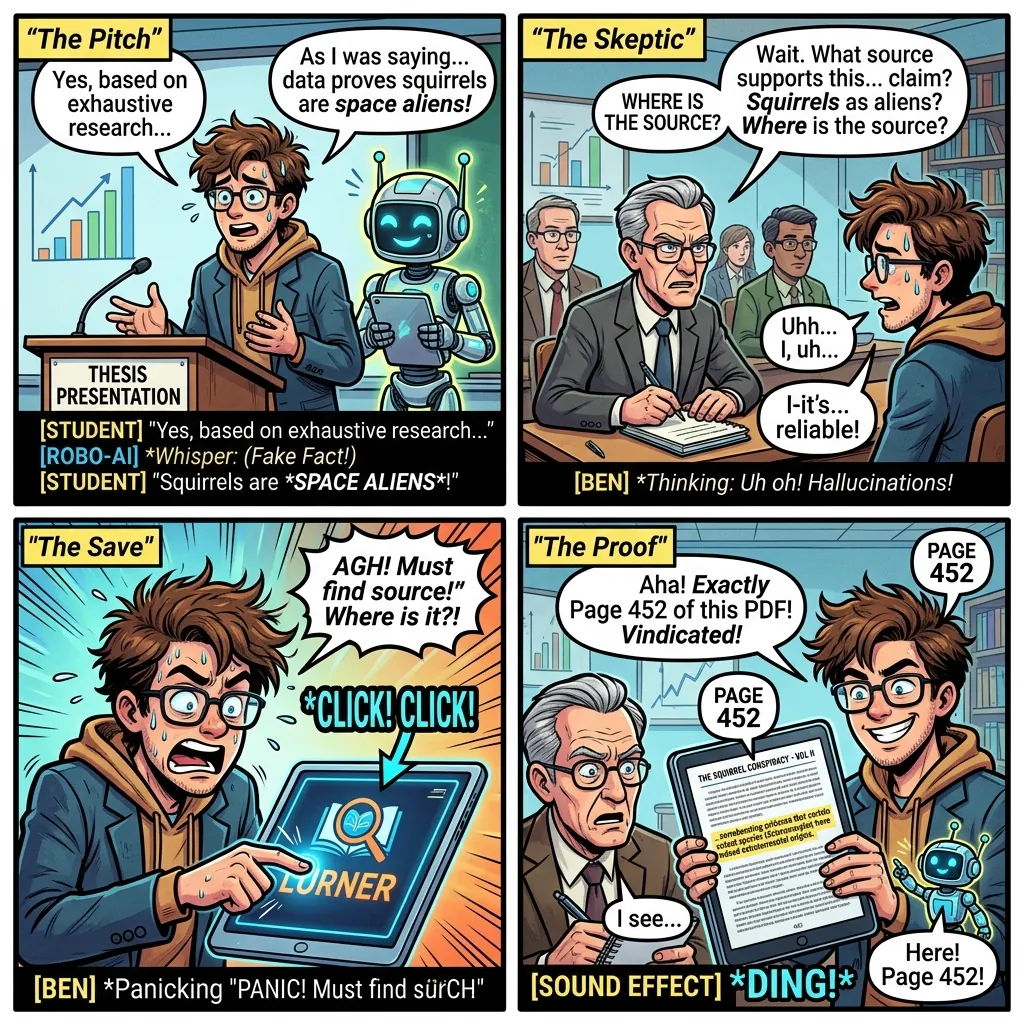
Grounding reduces blind trust by tying answers to source text, but no AI workflow should be treated as infallible. The safest approach is source-grounded answers plus citation verification.
Can Lurner help with non-PDF research sources?
Yes. Lurner can work across PDFs, YouTube videos, articles, meeting recordings, audio, voice memos, and notes, which is useful when your research context lives in more than one format.