TL;DR: AI should make YouTube searchable
The best way to summarize a YouTube video with AI is not to ask for a generic recap. Turn the video into structured notes, timestamped citations, practice questions, and searchable concepts you can reuse later. Lurner helps you convert YouTube lectures, tutorials, podcasts, and interviews into a source-cited knowledge base.
- The problem: Videos are linear, but learning and research are not.
- The better workflow: extract key ideas, timestamp each claim, generate questions, and connect the video to other sources.
- Where Lurner fits: YouTube videos become part of the same queryable workspace as PDFs, notes, meetings, and articles.
YouTube is one of the best learning libraries ever created and one of the worst knowledge management systems. The insight you need might be buried at 42:18 in a lecture, inside a throwaway example in a podcast, or halfway through a technical tutorial you watched last month.
That is why people search for "summarize YouTube video with AI", "YouTube video to notes", "YouTube transcript AI", "convert lecture to study guide", and "AI quiz generator from video". The real goal is not passive summarization. The real goal is making video knowledge searchable, testable, and citable.
Why YouTube learning breaks down
Video is powerful because it combines voice, visuals, examples, and pacing. But it is also hard to reuse. You cannot skim a video the way you skim a paper. You cannot quote a concept without finding the timestamp. You cannot easily compare one lecture with three related PDFs or another expert's explanation.
| Old video workflow | Why it fails | Better AI workflow |
|---|---|---|
| Watch and hope | Recognition feels like learning, but recall fades quickly | Generate active recall questions from video |
| Rough manual notes | Notes lose source context and timestamps | Create notes with clickable citations |
| Basic summarizer | Summaries are hard to verify and rarely reusable | Turn the video into a searchable source |
| Bookmark video | Bookmarks become a pile of good intentions | Connect it to your PDFs, notes, and drafts |
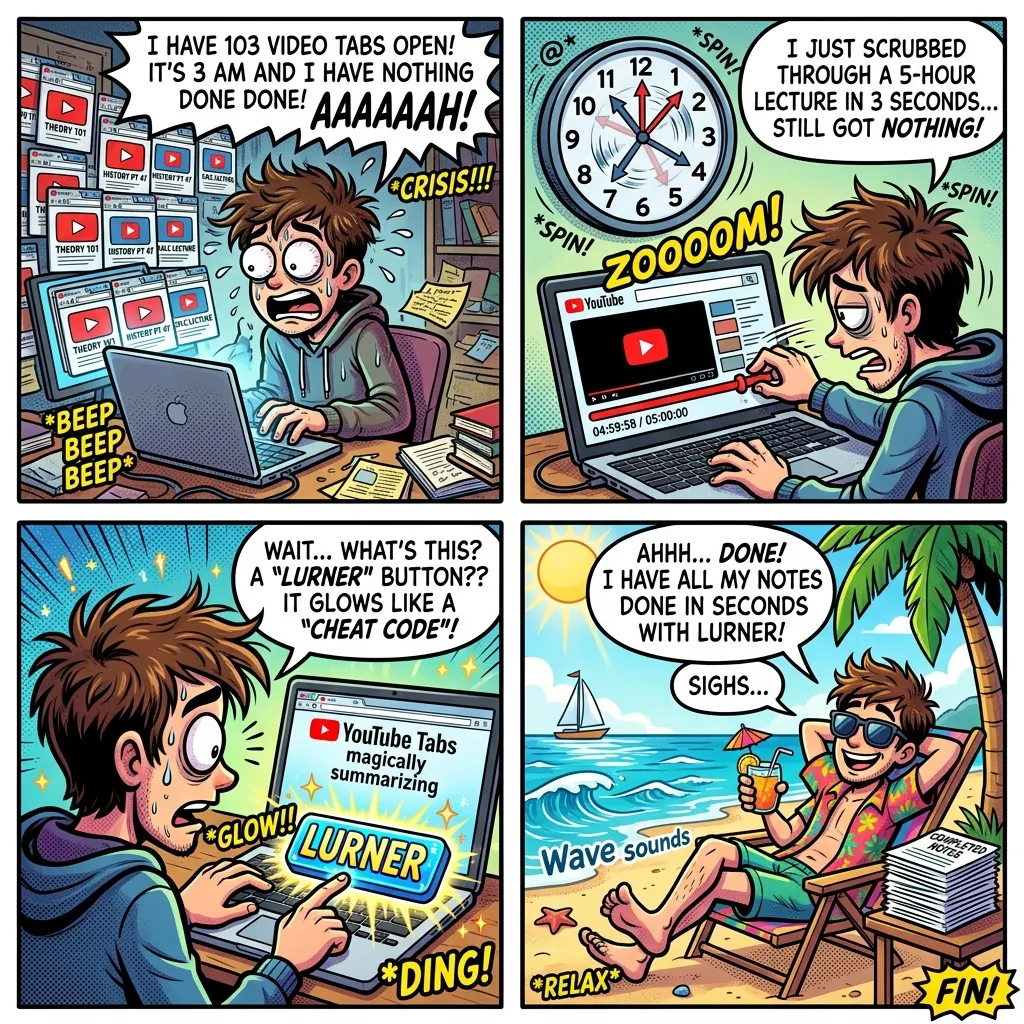
The video-to-knowledge workflow
Lurner's Knowledge Extraction workflow is designed for this exact problem: make video content usable after the video ends. The goal is to move from watching to querying, testing, and writing from the source.
-
1
Add the video as a source
Paste a YouTube lecture, podcast, tutorial, or interview into your workspace. Treat the video as source material, not background entertainment.
-
2
Extract a structured map
Ask for chapters, key claims, definitions, examples, formulas, frameworks, and unresolved questions. The output should help you navigate the video.
-
3
Verify important points with timestamps
A useful AI video summary should show where each major claim appears. Timestamp citations let you jump back to the exact moment.
-
4
Generate active recall
Use active learning features to turn the video into quizzes, knowledge checks, and concept maps. Retrieval practice beats passive rewatching.
-
5
Connect the video to your wider library
Ask how the video relates to a PDF, meeting note, article, or another lecture. This is where the video becomes part of your knowledge base.
Turn videos into knowledge you can search.
Add YouTube lectures, tutorials, and interviews to Lurner. Ask questions, get timestamped answers, and generate study material from the source.
Try video knowledge extractionPrompt library: YouTube video to notes, quiz, and study guide
Summary prompt
"Summarize video into key concepts, examples, and warnings. Add timestamp citations."
Study guide prompt
"Turn lecture into study guide with definitions, formulas, and timestamps for each section."
Quiz prompt
"Generate recall questions based on video. Include answers and timestamp citations."
Cross-source
"Compare video with my PDF. Where do they agree or disagree? Cite both sources."
Three high-value use cases
Students: convert lectures into active recall
Instead of rewatching a lecture before an exam, turn it into a study guide and quiz. This moves you from passive recognition to retrieval practice, which is much closer to how exams actually work.
Researchers: cite interviews and expert talks
Expert interviews, conference talks, and public lectures often contain useful examples that never appear in papers. Timestamped citations let you reuse those insights without losing the source trail.
Creators: turn research into outlines
Use Lurner to pull themes from multiple videos, connect them to articles and notes, then use the Writing Assistant to draft an outline with source-backed claims.
Sources and further reading
- Carnegie Mellon University: Retrieval Practice for Improved Learning - background on why recalling information strengthens learning.
- Harvard VPAL: Research-Based Principles for Multimedia Learning - context on why multimedia learning needs careful design.
- Leveraging video annotations in video-based e-learning - research context on anchoring learning artifacts to specific video moments.
FAQ: summarize YouTube videos with AI
What is the best way to summarize a YouTube video with AI?
The best approach is to ask for a structured summary with timestamps, not a generic paragraph. Include key concepts, examples, definitions, action items, and timestamp citations.
Can AI turn a YouTube video into notes?
Yes. Lurner can help turn YouTube content into structured notes, study guides, summaries, quizzes, and source-cited answers that remain searchable later.
Why are timestamp citations important?
Timestamp citations let you verify the exact moment behind a claim. This is especially useful for lectures, interviews, podcasts, and technical tutorials.
Can I generate quizzes from YouTube videos?
Yes. A strong workflow is to generate active recall questions after the summary, then check each answer against the timestamped source.
Can Lurner compare YouTube videos with PDFs?
Yes. Lurner is built for cross-source querying, so you can compare a video explanation with PDFs, notes, articles, meetings, and other uploaded material.
Does AI video summarization replace watching the video?
Not always. Use summaries to triage and navigate. Watch the timestamped sections when the details, examples, or speaker nuance matter.