
TL;DR: the best AI writing starts before the blank page
AI writing works best when it drafts from your own notes, sources, and thinking instead of generating from a generic prompt. A source-grounded writing workflow turns messy jottings, PDFs, meetings, videos, and voice memos into outlines, claims, examples, and drafts you can verify.
- The problem: generic AI writing is fluent but often shallow and unsourced.
- The better workflow: collect sources, extract claims, build an outline, and draft from evidence.
- Where Lurner fits: your writing assistant drafts from your knowledge base instead of inventing from scratch.
The blank page is not empty because you have no ideas. It is empty because your ideas are scattered. One point lives in a meeting note, another in a PDF highlight, another in a voice memo from a walk, and the strongest example is buried in a YouTube interview you watched two weeks ago.
That is why people search for "AI writing from notes", "AI drafting from research notes", "AI report writer with citations", "turn notes into blog post", and "AI writing assistant grounded". They do not just want more words. They want a way to turn accumulated knowledge into clear output.
Why generic AI writing feels generic
Most AI writing tools start from a prompt. That can produce a decent first draft, but the draft usually reflects average internet patterns more than your actual knowledge. The result is smooth but forgettable: broad claims, familiar transitions, thin examples, and no clear source trail.
| Writing workflow | What happens | Better alternative |
|---|---|---|
| Prompt-first | Fast draft, weak specificity | Source-first writing from your notes |
| Manual drafting | High control, slow synthesis | AI-assisted outlining from verified material |
| Copy-paste | Fragmented notes and citation chaos | Drafting with citations attached automatically |
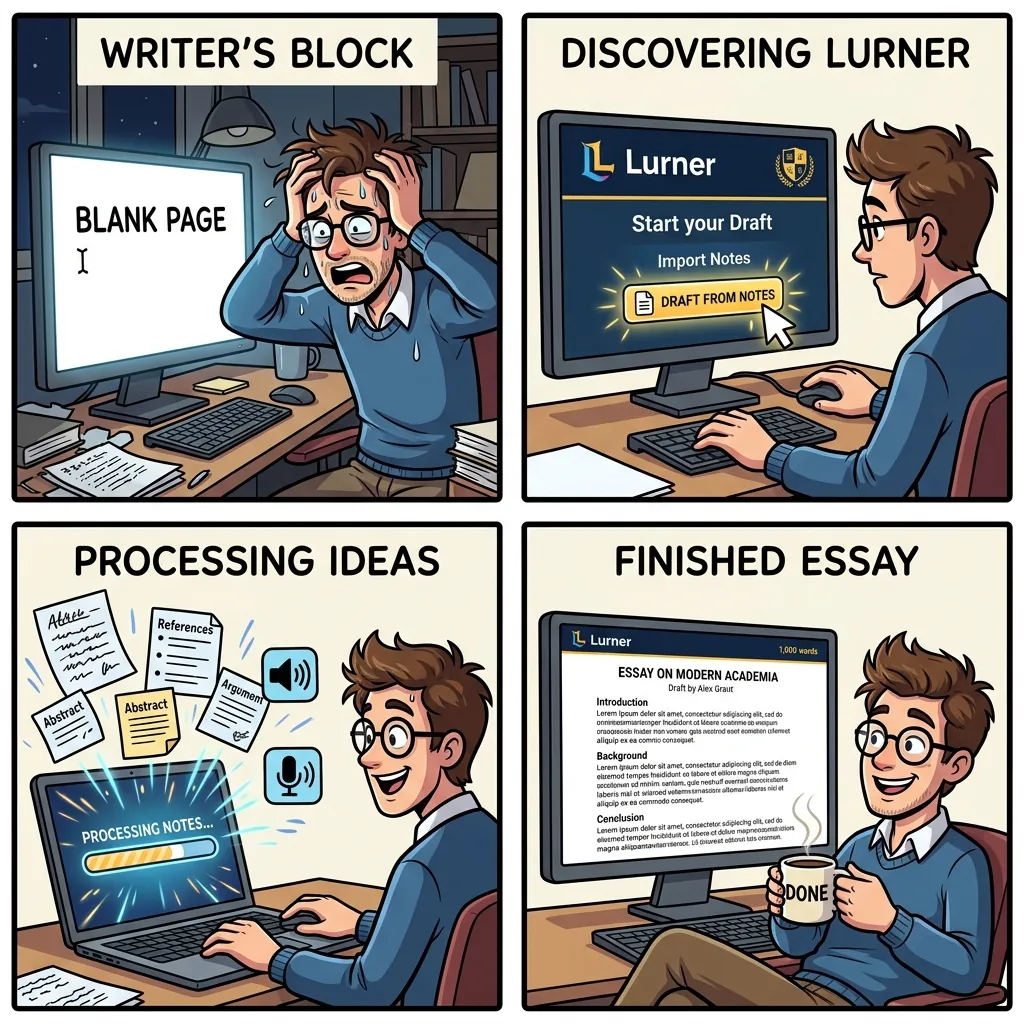
The source-grounded AI writing framework
Writing is not one task. It is a loop of collecting, planning, drafting, reviewing, and revising. Lurner helps by connecting those stages inside one workspace: your sources, notes, and draft can finally talk to each other.
-
1
Collect the source base
Add the PDFs, videos, meetings, articles, voice memos, and rough notes that should inform the piece. This becomes the evidence layer.
-
2
Extract claims and examples
Ask Lurner to pull out arguments, examples, quotes, data points, objections, and contradictions with citations.
-
3
Build an outline before drafting
Use the Writing Assistant to propose a structure, then edit the logic before generating prose.
-
4
Draft section by section
Do not generate the whole article at once. Draft one section from specific notes or sources so the output stays focused and verifiable.
-
5
Revise for voice and evidence
Ask for a citation audit, then rewrite for clarity, tone, and rhythm. AI can help polish, but the final judgment stays yours.
Draft from what you already know.
Turn notes, research, meetings, and voice memos into source-backed outlines and drafts inside Lurner.
Try grounded AI writingPrompt library: turn notes into drafts
Outline prompt
"Create a detailed outline from my notes. Under each section, list claims and citations."
Section draft
"Draft this section using only the cited notes. Keep the tone practical and flag weak evidence."
Voice prompt
"Rewrite for clarity without adding new claims. Preserve original meaning and citations."
Citation audit
"Audit this draft. Mark claims as supported or unsupported. Suggest source links."
Use cases for grounded AI writing
Researchers: literature review to draft
Upload papers, build a synthesis matrix, then draft the background section from cited claims. This pairs well with our guide on chatting with PDFs using citations.
Consultants: meeting notes to client brief
Convert messy meeting notes into a structured recap with decisions, risks, and next steps. Timestamped meeting memory helps the brief stay accurate.
Creators: research library to article outline
Pull examples from videos, saved articles, and voice memos. Then draft from your own knowledge base instead of asking a generic model to invent a take.
Sources and further reading
- Purdue OWL: The Writing Process - a useful reference on writing as planning, drafting, revising, and editing.
- PHSC Writing Center: The Writing Process - practical overview of prewriting, drafting, reviewing, and revising.
- Flower and Hayes: A Cognitive Process Theory of Writing - foundational research on writing as a recursive cognitive process.
FAQ: AI writing from notes and research
What is AI writing from notes?
AI writing from notes means generating outlines, sections, or drafts using your own notes and sources as the input. It is more specific and verifiable than asking AI to write from a generic prompt.
How is Lurner different from a generic AI writer?
Lurner is built around your knowledge base. It can draft from your PDFs, videos, notes, meetings, and voice memos, while keeping source context close to the writing process.
Can AI turn meeting notes into a report?
Yes. A strong workflow is to extract decisions, risks, action items, and evidence from meeting notes, then draft the report section by section with timestamps or source references.
Is AI writing safe for academic work?
Use AI carefully. It can help organize sources, outline arguments, and revise clarity, but you should follow your institution's rules and verify citations before submitting anything.
How do I keep AI writing from sounding generic?
Give it your own notes, examples, voice memos, and source material. Then revise for voice after the structure and evidence are correct.
Can Lurner help write blog posts from research?
Yes. Lurner can help turn research notes into outlines, section drafts, and source-backed arguments, especially when your material is spread across PDFs, videos, articles, and notes.