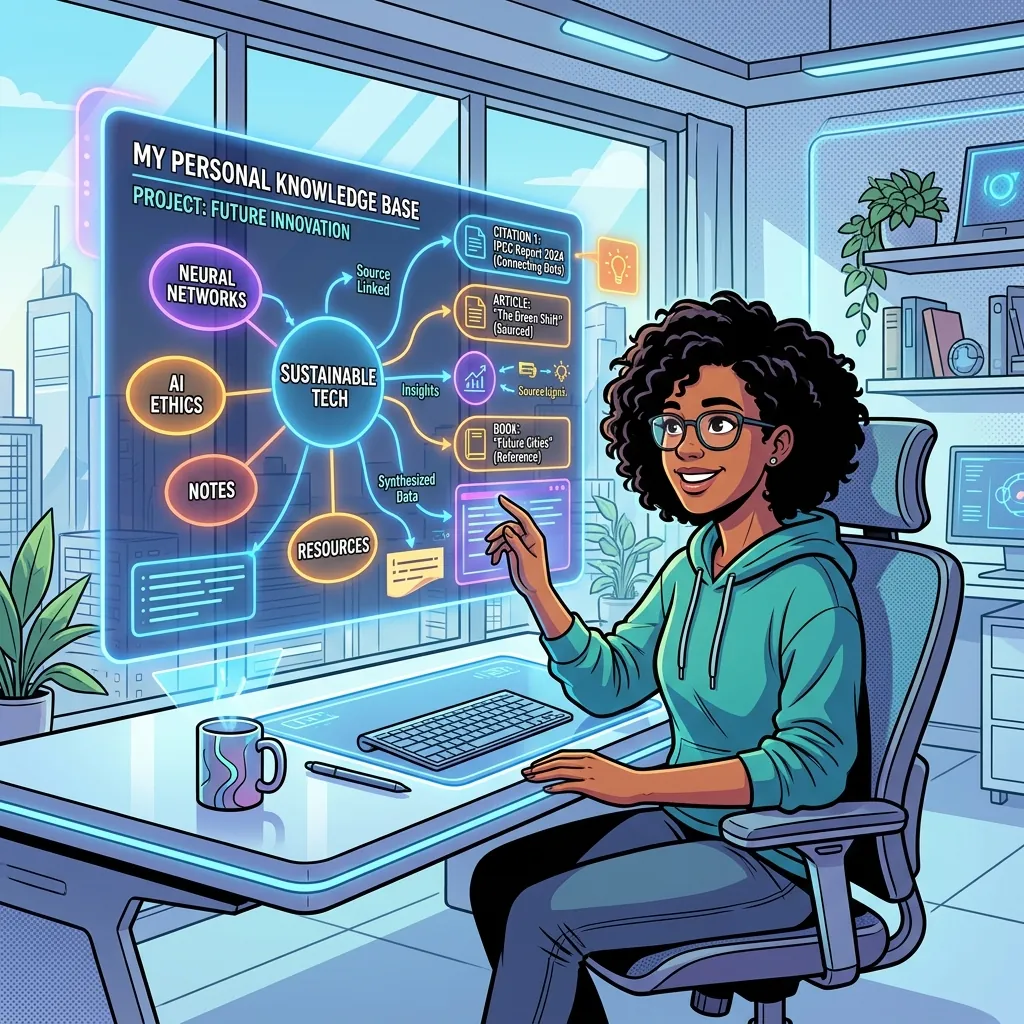
TL;DR: Perplexity for personal files
Perplexity changed web search by giving direct, cited answers from public sources. The missing layer is the same experience for your private knowledge: PDFs, lecture videos, meeting recordings, saved articles, research notes, and voice memos. A personal AI knowledge base should let you ask questions across everything you have consumed and return answers with exact page numbers, timestamps, and source links.
- Use Perplexity when you need fresh answers from the public internet.
- Use Lurner when you need cited answers from your own uploaded sources.
- The best workflow is public discovery first, private synthesis second: find sources on the web, then build a queryable library you can trust.
Most people do not have an information problem. They have a retrieval problem. The PDF is somewhere in Downloads. The insight from the podcast is somewhere around minute 37. The decision from last month's meeting is inside a transcript nobody wants to reopen. The quote you need for a report is in a browser tab you closed three weeks ago.
Search engines solved one part of this: finding public information. Perplexity made that experience dramatically better by combining search, synthesis, and citations. But the most valuable knowledge in your work is often not public. It is private, scattered, and annoyingly specific. That is why people search for phrases like "Perplexity for personal files", "AI knowledge base with citations", "chat with my PDFs", "search my meeting notes with AI", and "personal knowledge management AI". They are looking for a way to make their own knowledge behave like a searchable, citable brain.
What does "Perplexity for personal files" actually mean?
The phrase is useful because it describes an expectation, not just a feature. People do not want another folder system. They want to ask a natural-language question and get a synthesized answer that points back to the evidence. If Perplexity is a cited answer engine for the public web, a personal-file version should be a cited answer engine for your private library.
That distinction matters. A normal file search tool can find a document name. A PDF chat tool can answer from one document at a time. A real AI knowledge base should read across formats, preserve context, and show the exact source trail behind every claim. In practice, that means asking questions like:
- "What are the main objections customers raised in our last five sales calls?"
- "Compare the pricing assumptions in this spreadsheet with the strategy memo from April."
- "What does my research library say about spaced repetition, and which paper supports each point?"
- "Find the moment in the lecture where the professor explained Bayesian priors."
- "Turn the strongest arguments from these PDFs into an outline for a blog post."
Lurner is built around this model: an AI knowledge extraction layer for your sources, a notepad for messy thinking, and a writing assistant that can turn cited insights into usable drafts. The point is not to replace Perplexity. It is to bring the same trust pattern to the private knowledge you already own.
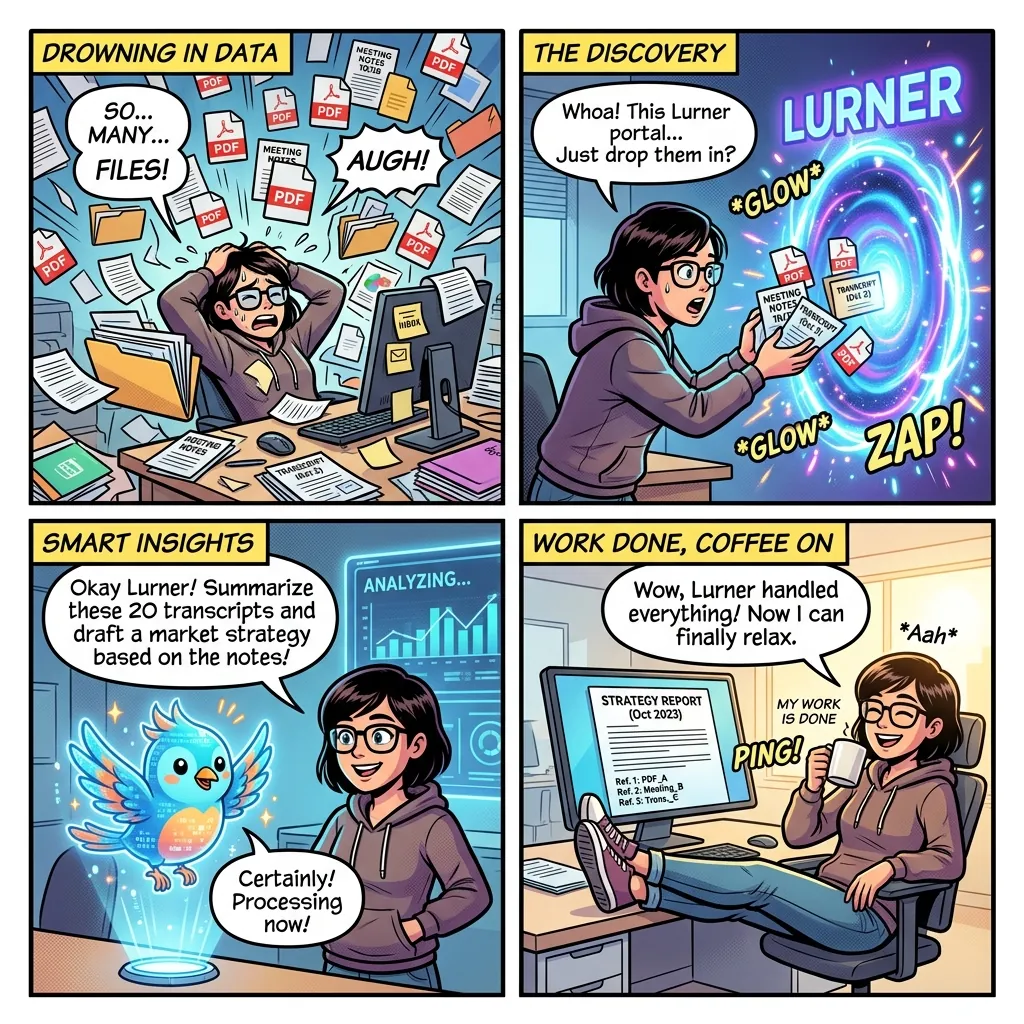
Public web search vs private knowledge search
Public AI search and private AI knowledge bases are not competing jobs. They solve different moments in the research workflow. The public web helps you discover what exists. Your private knowledge base helps you reuse, verify, synthesize, and write from the information you have already selected.
| Question | Public AI search | Personal AI knowledge base |
|---|---|---|
| Best for | Fresh public information, market scans, news, definitions | Your PDFs, notes, meetings, videos, articles, and drafts |
| Primary source base | The open web and indexed public sources | Sources you intentionally add to your workspace |
| Citation type | Web pages, public documents, search results | PDF pages, video timestamps, meeting moments, article URLs |
| Weakness | May miss private context and your prior decisions | Only knows what you add, so source hygiene matters |
| Ideal workflow | Find and evaluate sources | Store, query, connect, write, and share from trusted sources |
This is why the phrase "AI search engine for my documents" is slightly incomplete. The better mental model is source-grounded knowledge work: you are not just finding files, you are building a durable layer of evidence that can support decisions, writing, learning, and collaboration.
Why citations are the difference between useful AI and risky AI
AI-generated answers are persuasive by default. That is convenient when you are brainstorming and dangerous when you are making decisions. The answer may sound polished even when the underlying source is missing, misread, outdated, or invented. For knowledge work, the valuable unit is not "an answer." It is an answer you can verify.
A citation-first AI knowledge base changes the behavior of the system and the behavior of the user. The system has to ground claims in your uploaded material. You, the user, can click through to the relevant page, timestamp, or transcript moment before trusting the output. That creates a practical audit trail for your thinking.
Verifiability
Every important claim should point back to the source that supports it: a page, timestamp, or URL.
Context
Your private library contains context that public web search cannot infer: past decisions and internal docs.
Reuse
Once a source is added, it keeps working for future questions, reports, and drafts.
This matches the direction of trustworthy AI guidance more broadly: AI systems become more useful when users can evaluate the information behind the output. For Lurner, citations are not decoration. They are the trust layer.
The 5-part architecture of a useful AI knowledge base
A folder full of uploaded files is not automatically a knowledge base. To become useful, your system needs five layers working together: ingestion, structure, retrieval, synthesis, and output. Miss one layer and the experience usually collapses back into manual searching.
-
1
Multi-format ingestion
A modern personal knowledge base should handle your real information diet: PDFs, YouTube videos, web articles, audio, video, meeting recordings, and voice memos. If it only handles documents, it misses the way people actually learn and work.
-
2
Source-aware structuring
The tool should extract titles, authors, chapters, speakers, timestamps, decisions, action items, and key concepts. Good structure makes later retrieval much more accurate.
-
3
Semantic search across sources
Keyword search finds exact words. Semantic search finds meaning. That lets you ask "What did customers dislike about onboarding?" even if the source says "setup friction" or "activation confusion."
-
4
Cited synthesis
The answer should combine relevant evidence across sources while keeping claims tied to exact citations. The synthesis is where AI becomes more valuable than a file finder.
-
5
A writing and sharing layer
Knowledge becomes valuable when it changes what you can produce. Lurner connects search to notes, drafts, summaries, quizzes, and shareable knowledge bases so answers do not stay trapped in chat.
Practical test: If an AI tool cannot answer "What did these five sources agree on, what did they disagree on, and where can I verify each claim?" it is probably a document assistant, not a serious knowledge base.
How to build your citable brain in Lurner
The mistake most people make with AI knowledge tools is dumping everything in at once. A useful knowledge base grows like a library, not a junk drawer. Start with one high-value workflow, then expand as the structure proves itself.
Step 1: Choose one knowledge job
Pick a workflow where lost context already costs you time. Examples include preparing for client calls, synthesizing research papers, studying from lecture recordings, tracking product decisions, or drafting weekly strategy updates. This gives your knowledge base a clear purpose from day one.
Good starter prompts:
- "Summarize the top five themes across these customer interviews and cite each example."
- "Create a study guide from these lecture videos and PDFs, with citations for every answer."
- "Find every decision about pricing from our meeting recordings and organize them by date."
Step 2: Ingest the defining context
Add the minimum set of sources needed to answer that workflow well. For a research workflow, that may be five core PDFs and two saved articles. For a product workflow, it may be call recordings, roadmap notes, and customer feedback docs. For learning, it may be a textbook PDF, a YouTube lecture playlist, and your class notes.
| Source type | What to extract | Best question to ask |
|---|---|---|
| PDFs and reports | Arguments, data, page-level citations | "What claims are supported on pages 20-40?" |
| YouTube videos | Concepts, timestamps | "Where does the speaker explain the framework?" |
| Meetings | Decisions, action items | "What did we decide and who owns next steps?" |
| Voice memos | Raw ideas, draft angles | "Turn these thoughts into an outline." |
Step 3: Ask synthesis questions
The real power of a personal AI knowledge base appears when you ask across sources. Lookup questions are useful: "Where is this quote?" Synthesis questions are compounding: "How does this quote connect to the pricing objection in last week's customer call?"
Weak prompt
"Summarize this PDF."
Better prompt
"Extract the three claims in this PDF that affect our roadmap, compare them with last week's meeting notes, and cite exact page or timestamp."
Step 4: Turn answers into durable notes
Chat is useful, but it is not the finish line. Save important answers as structured notes, convert meeting insights into action plans, and move source-backed points into drafts. This is where Lurner differs from narrow "chat with PDF" tools: it connects knowledge retrieval to writing and thinking workflows.
Build a private search engine for what you already know.
Add PDFs, videos, articles, meetings, and voice notes to Lurner. Ask questions across everything. Get answers with citations you can verify.
Try cited knowledge searchThree detailed use cases for personal-file AI search
1. Researchers: query long PDFs with evidence
Researchers, analysts, students, and consultants often read more than they can manually organize. The problem is not just document length. It is comparison. One source defines a concept, another challenges it, a third provides data, and your notes contain the real interpretation. A useful AI research assistant should connect all four.
In Lurner, you can upload long PDFs, articles, and notes, then ask for a cited synthesis. Instead of "summarize this paper," ask: "What are the strongest arguments in favor of remote work productivity across these sources, what are the limitations, and which pages support each claim?" This creates a research brief you can verify before using it in a report.
2. Professionals: turn meetings into memory
Meeting notes fail because they are usually isolated artifacts. A transcript sits in one tool, a roadmap sits in another, and the final decision lives in someone's memory. By turning meeting recordings into source-cited knowledge, you can ask: "When did we decide to delay the launch, who raised the risk, and what evidence did we use?"
This is especially useful for founders, product managers, account teams, and consultants. Past meetings become queryable context for future work. You stop re-litigating old decisions because the answer includes the timestamped moment where the decision happened.
3. Writers and creators: draft from your own knowledge, not generic AI output
Generic AI writing often sounds smooth and empty because it is not grounded in your actual sources. A personal knowledge base gives the writing assistant better material: your notes, interviews, clips, articles, and research. That means the output can be more specific, more defensible, and more like your thinking.
A strong workflow is to use public search for discovery, save the best sources into Lurner, ask for a cited synthesis, then use the AI-augmented writing framework to turn those notes into a draft. The result is not "AI wrote this for me." It is "AI helped me organize the evidence I already trust."
How to organize your personal AI knowledge base for better answers
Better inputs produce better answers. You do not need a perfect taxonomy, but you do need enough structure for the AI to understand source quality and context. Here is a simple system that works for most knowledge workers.
Create topic workspaces
Group sources by job: "Customer Research," "MBA Study Notes," "Q2 Strategy," or "Content Research." Avoid mixing unrelated contexts too early.
Name sources clearly
Use descriptive titles with dates, authors, or project names. "Customer Interview - Acme - March 2026" beats "recording_final_2.mp4."
Separate raw notes from final notes
Raw notes capture messy thinking. Final notes should contain decisions, summaries, and verified insights. Both are useful, but they answer different questions.
Ask for uncertainty
Prompts like "What is not supported by these sources?" or "Where do these sources disagree?" reduce overconfident summaries.
As your source library grows, this structure creates compounding returns. The first few uploads save search time. The next hundred create institutional memory. Eventually, your knowledge base becomes a thinking partner that remembers what you have already learned.
Where Lurner fits among NotebookLM, ChatGPT, and Perplexity
Different AI tools have different centers of gravity. ChatGPT is a general-purpose assistant. Perplexity is excellent for public web research. NotebookLM popularized source-grounded document exploration. Lurner is designed for people who want the source-grounded experience across documents, videos, audio, meetings, notes, and writing workflows.
| Tool type | Best use | Gap | Why Lurner is different |
|---|---|---|---|
| Perplexity | Public web answers | Not built for long-term private context | Focuses on permanent personal context |
| ChatGPT | General reasoning | Answers can drift from source material | Grounds answers in sources with citations |
| Notebook AI | Exploring collections | Weaker as an everyday writing workspace | Combines retrieval, notes, and writing |
| Notes apps | Manual storage | Requires remembering where everything is | Makes knowledge queryable and cited |
If you are comparing tools, read our deeper breakdown of Lurner vs NotebookLM and our guide to source-grounded AI vs general chatbots. The short version: use the tool that matches the source of truth for the job.
A prompt library for searching your personal files with AI
The quality of your questions shapes the quality of your answers. Use these prompts as starting points for research, meetings, writing, and learning.
Research prompt
"Compare these sources on [topic]. Give me consensus, disagreements, and page-level citations."
Meeting prompt
"Search all meetings about [project]. List every decision and owner with timestamps."
Writing prompt
"Create an outline for an article using only uploaded sources. Include evidence under each section."
Learning prompt
"Turn these notes and videos into a study guide. For every answer, cite the source page or timestamp."
Your files should answer back.
Lurner turns scattered knowledge into a source-cited workspace for research, meetings, studying, and writing.
Start building your citable brainThe future is not more search. It is better memory.
Search is what you do when knowledge is somewhere else. Memory is what happens when knowledge is already part of your working system. AI makes that shift possible, but only if the answers remain grounded. Otherwise, you have speed without trust.
The strongest knowledge workers of the next decade will not be the people who bookmark the most links. They will be the people who build reusable, verifiable knowledge systems from what they read, watch, hear, and decide. Perplexity made cited answers feel normal for the web. Lurner brings that expectation to your own knowledge.
Sources and further reading
- Google Search Central: Creating helpful, reliable, people-first content - useful for understanding why depth, originality, and user value matter more than keyword stuffing.
- NIST AI Risk Management Framework 1.0 - a reference point for thinking about trustworthy, explainable, and governable AI systems.
- Perplexity Help Center: Enterprise file limits - helpful context on how public AI search tools are expanding into uploaded and connected files.
FAQ: Perplexity for personal files and AI knowledge bases
What is the best "Perplexity for personal files" tool?
The best tool depends on your workflow. If you mainly need public web research, Perplexity is excellent. If you want a private AI knowledge base that searches your PDFs, videos, meetings, articles, audio, and notes with citations, Lurner is designed for that job.
Can AI search my PDFs with page citations?
Yes. A source-grounded AI knowledge base can ingest PDFs, extract the text, and answer questions with page-level citations. The important feature is not just PDF upload. It is whether the answer shows exactly where each claim came from.
How is an AI knowledge base different from a notes app?
A notes app stores information. An AI knowledge base makes stored information queryable. Instead of remembering the folder, title, or keyword, you ask a question and get a synthesized answer from your sources.
Can I search YouTube videos and meeting recordings with AI?
Yes, if the tool supports audio and video ingestion. Lurner can turn videos, meetings, and voice memos into structured notes and timestamped citations, so you can jump back to the exact moment behind an answer.
Is a personal AI knowledge base useful for students?
Yes. Students can combine textbooks, lecture recordings, YouTube explainers, notes, and practice material into one queryable study workspace. The strongest use case is cited learning: study guides and quizzes where answers point back to the source.
Is Lurner only for studying?
No. Lurner is an AI notebook for knowledge work: research, writing, meetings, notes, learning, and collaboration. Students can use it, but the broader use case is anyone who needs to turn information into trusted output.
How do I get better answers from my personal files?
Add high-quality sources, name them clearly, group related sources together, and ask synthesis questions. The best prompts request evidence, disagreement, uncertainty, and citations instead of asking for a generic summary.